Dark Copper Foil Photoshop Styles: A Practical Guide to Texture and Application
In the realm of digital design, texture serves as the bridge between flat graphics and tactile reality. Among the myriad of textural options available, metallic finishes hold a distinct place for their ability to convey luxury, warmth, and sophistication. Dark Copper Foil Photoshop Styles represent a specialized toolset designed to replicate this specific aesthetic with precision. Unlike generic gold or silver overlays, dark copper offers a muted, earthy richness that pairs exceptionally well with modern minimalist designs, vintage branding, and high-contrast typography.
For designers evaluating resources for their workflow, understanding the mechanics, versatility, and limitations of these styles is crucial. This guide explores what makes this particular asset pack distinct, how it compares to manual creation methods, and when it serves as the optimal choice for your projects.
Understanding the Asset Composition
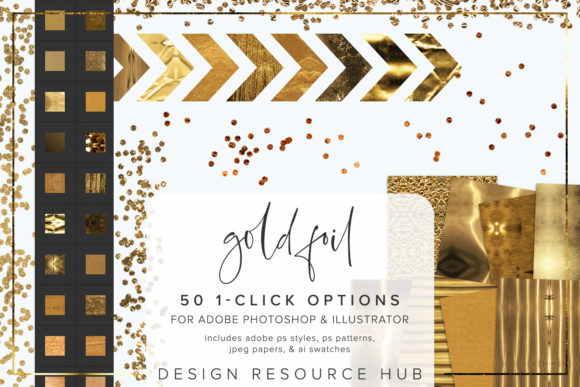
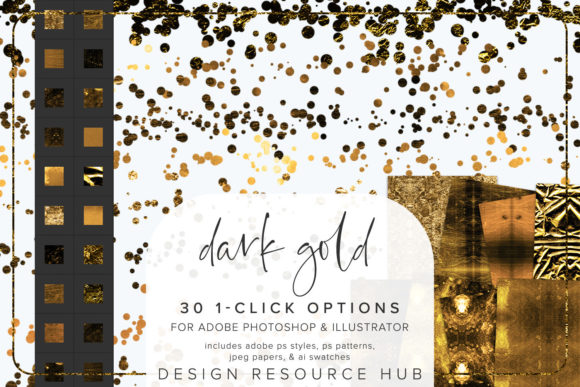
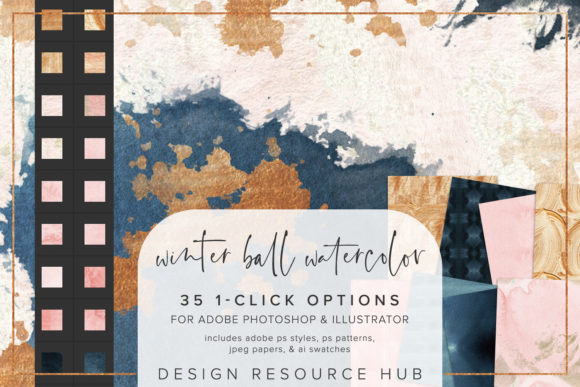
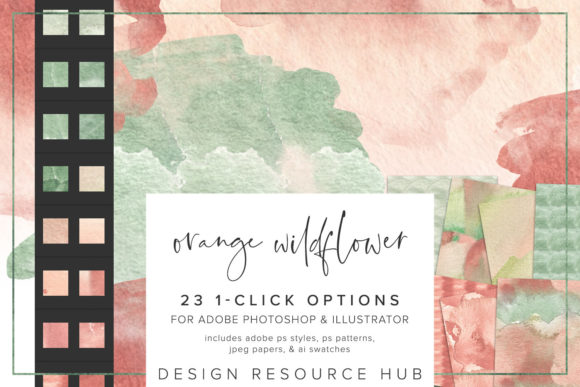
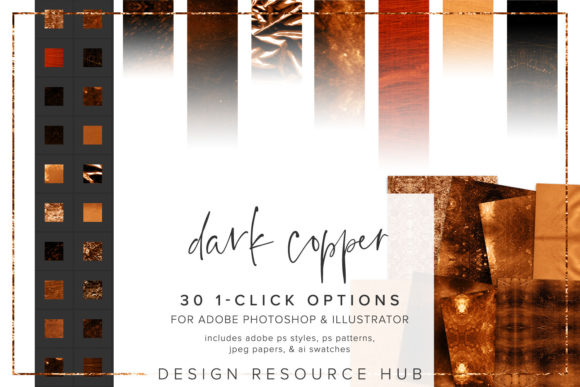
At its core, this product is not merely an image but a functional set of Adobe Photoshop and Illustrator styles. The primary value lies in its "one-click" functionality, which automates complex layer effects. When you purchase or download Dark Copper Foil Photoshop Styles, you are acquiring a suite of files designed for interoperability across major design platforms.
The package typically includes:
- Adobe Photoshop .asl file: This contains the pre-configured layer styles. These styles combine blending options, gradients, bevels, and textures into a single selectable preset.
- Adobe Photoshop .pat file: A seamless pattern file that provides the underlying grain and foil texture, ensuring the metallic effect looks realistic rather than plastic.
- Adobe Illustrator .ai swatch file: For vector-based workflows, this allows users to apply similar color and texture logic to shapes and paths within Illustrator.
- JPEG paper files: Sized at 10 x 10 inches, these serve as background textures or masking elements to enhance the realism of the foil effect.
This multi-format approach ensures that whether you are working on a raster-based poster in Photoshop or a scalable logo in Illustrator, the aesthetic remains consistent. The inclusion of both .asl and .pat files is particularly significant, as it separates the lighting effects from the surface texture, allowing for greater customization.
Comparing Automated Styles vs. Manual Techniques
When deciding whether to invest in a style pack like Dark Copper Foil Photoshop Styles, it is helpful to compare it against the alternative: building the effect manually. Many experienced designers create metallic effects by stacking multiple adjustment layers, using gradient maps, and applying noise filters. While this method offers ultimate control, it is time-consuming and requires a deep understanding of light physics and blending modes.
The primary advantage of using pre-made styles is efficiency. Applying a specific style to fonts, filling shapes, or adding accents to images becomes a matter of seconds rather than hours. This is particularly beneficial for agencies or freelancers managing tight deadlines. However, the trade-off is flexibility. Manual creation allows for pixel-perfect adjustments to highlight specific contours of a letterform, whereas a one-click style applies a uniform effect.
That said, high-quality style packs mitigate this limitation by providing scalable patterns. You can change the scale of the patterning for different applications, ensuring that the foil grain does not appear too coarse on small text or too fine on large headers. This adaptability makes the styles a middle ground between speed and quality.
Ideal Use Cases and Design Applications
Not every project benefits from a metallic overlay. Dark Copper Foil Photoshop Styles shine in specific contexts where warmth and elegance are desired. Here are some practical scenarios where these tools excel:
- Luxury Branding: Copper tones evoke a sense of artisanal quality. Using these styles on business cards, packaging labels, or logo variations can elevate a brand’s perceived value without the cost of actual foil stamping during the design phase.
- Wedding and Event Invitations: The dark copper hue complements deep greens, navies, and blush pinks commonly found in modern wedding palettes. Applying the style to script fonts adds a touch of formality.
- Social Media Graphics: In a feed dominated by bright, flat colors, a textured metallic accent can stop the scroll. These styles work well for highlighting key quotes or sale announcements.
- Book Covers and Editorial Design: The texture adds depth to digital mockups, helping authors and publishers visualize how the final printed product might look with spot UV or foil accents.
It is important to note that these styles are most effective when used sparingly. Overuse can lead to visual clutter. The best practice is to combine the styles with brushes or use them on specific elements like borders, monograms, or headline keywords rather than entire backgrounds.
Installation and Workflow Integration
One of the selling points of this resource is its seamless integration into existing workflows. The installation process is straightforward, though it varies slightly depending on the software version. For Photoshop users, installing the .asl file involves navigating to the Styles panel, selecting "Import Styles," and loading the file. Similarly, the .pat file is loaded via the Patterns panel.
For Illustrator users, the .ai file is accessed through the Swatches panel under "Open Swatch Library." This cross-platform compatibility ensures that teams using different Adobe applications can maintain a cohesive visual language. Once installed, the single-click styles allow for rapid iteration. Designers can test the dark copper effect on various design elements with ease, swapping it out for other textures if needed without rebuilding layers.
Evaluating Limitations and Alternatives
While Dark Copper Foil Photoshop Styles offer convenience, they are not a universal solution. Designers should be aware of certain limitations. First, these styles are dependent on the underlying color and shape. A complex, multi-colored gradient may not interact with the foil texture as cleanly as a solid color. Second, the realism of the foil is partly determined by the resolution of the output. For large-format printing, users must ensure the pattern scale is adjusted appropriately to avoid pixelation.
Alternatives to consider include:
- 3D Rendering Software: For hyper-realistic metallic effects, tools like Blender or Cinema 4D offer superior lighting control but come with a steep learning curve.
- Stock Photography Overlays: Purchasing high-resolution photos of real copper foil and using blending modes (such as Overlay or Soft Light) can provide unique, non-repeating textures. However, this method lacks the editability of vector-based or style-based approaches.
- Custom Brush Sets: Some artists prefer painting metallic highlights manually using custom brushes. This offers artistic freedom but requires significant skill and time.
If your project demands absolute uniqueness or involves complex 3D geometry, a style pack may feel restrictive. However, for 2D graphic design, web assets, and print mockups, the balance of speed and quality provided by these styles is hard to beat.
Making the Right Choice for Your Project
Deciding whether to incorporate Dark Copper Foil Photoshop Styles into your toolkit depends on your specific needs. If you frequently create designs that require metallic accents and value workflow efficiency, this asset is a strong candidate. It eliminates the repetitive task of setting up layer effects and ensures a consistent look across multiple projects.
Conversely, if you are working on a one-off project that requires a highly customized, non-standard metallic finish, you might find manual techniques or 3D rendering more suitable. Additionally, consider your target audience. Dark copper is trendy and sophisticated, but it may not align with brands aiming for a playful, neon, or ultra-modern tech aesthetic.
Ultimately, these styles serve as a powerful enhancer rather than a replacement for design fundamentals. They work best when combined with thoughtful typography, balanced composition, and appropriate color theory. By understanding both the capabilities and the constraints of the tool, you can leverage Dark Copper Foil Photoshop Styles to create compelling, professional-grade visuals that resonate with your audience.