Transforming Digital Design with Orange Wildflower Photoshop Styles
In the fast-paced world of digital graphic design, efficiency is just as valuable as creativity. Designers are constantly seeking tools that bridge the gap between complex manual editing and instant visual impact. This is where specialized asset packs come into play, offering a shortcut to professional-grade aesthetics without sacrificing originality. Among the myriad of options available, the Orange Wildflower Photoshop Styles stand out as a versatile resource for creatives looking to infuse their work with organic warmth and textured depth.
These styles are not merely decorative overlays; they are functional, one-click solutions designed for seamless integration into Adobe Photoshop and Adobe Illustrator workflows. Whether you are crafting social media graphics, designing packaging, or creating typographic posters, understanding how to leverage these assets can significantly elevate your output.
The Power of One-Click Texturing
The core appeal of the Orange Wildflower Photoshop Styles lies in their simplicity and adaptability. Traditional texturing methods often involve multiple layers, blending modes, and mask adjustments that can clutter a project file and slow down the creative process. By contrast, this set allows designers to apply intricate patterns and color gradients with a single click. This functionality is particularly beneficial when working under tight deadlines or when experimenting with different visual directions during the brainstorming phase.
When you apply these styles to fonts, shapes, or image accents, the software automatically handles the complex layering of effects. The result is a cohesive look that mimics natural materials, such as paper grain, floral motifs, and earthy pigments. The "orange wildflower" theme suggests a palette rich in warm tones—ranging from deep rusts and burnt siennas to vibrant tangerines and soft creams. These colors evoke feelings of nostalgia, warmth, and organic beauty, making them ideal for brands that want to appear approachable and grounded.
Versatility Across Design Elements
One common misconception about preset styles is that they are rigid or limited to specific use cases. However, the Orange Wildflower Photoshop Styles are engineered for flexibility. They can be applied to virtually any vector shape or rasterized element within your composition. Consider the following applications:
- Typography: Apply the style to bold, sans-serif headers to create a striking contrast between modern font structures and rustic textures.
- Shape Accents: Use the styles on geometric backgrounds or border elements to soften hard edges and add visual interest.
- Image Overlays: While primarily designed for shapes and text, these styles can also serve as subtle accents over photography, adding a unified color grade or texture layer that ties disparate images together.
The ability to change the scale of the patterning is another critical feature. A large-scale pattern might work beautifully for a poster background, while a smaller, tighter scale could provide subtle detail to a business card or icon. This scalability ensures that the styles remain relevant across various mediums, from digital screens to printed materials.
What Is Included in the Package
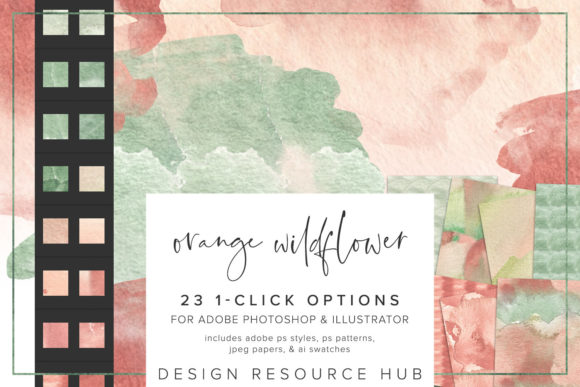
To ensure maximum compatibility and ease of use, the Orange Wildflower Photoshop Styles package includes several file formats tailored to different Adobe applications. Understanding what each file does is key to unlocking the full potential of the set.
- Adobe Photoshop .asl File: This is the primary file for loading styles directly into the Photoshop Styles panel. It contains the pre-configured layer effects, including blend modes, opacity settings, and pattern overlays.
- Adobe Photoshop .pat File: This file contains the actual seamless patterns used within the styles. Having access to the .pat file allows users to load these patterns independently if they wish to create custom effects or use them in other pattern-based tools.
- Adobe Illustrator .ai Swatch File: For vector-based workflows, the .ai file provides swatches that can be applied to paths and shapes in Illustrator. This ensures consistency if you are moving designs between Photoshop and Illustrator.
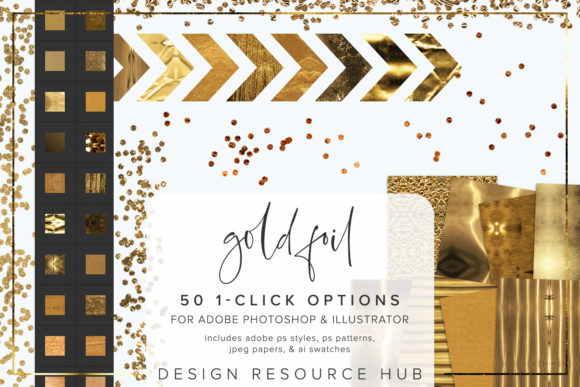
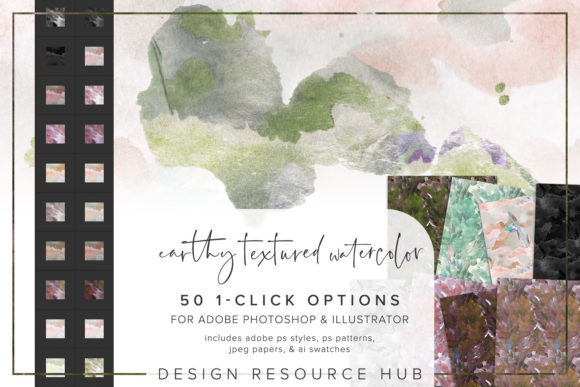
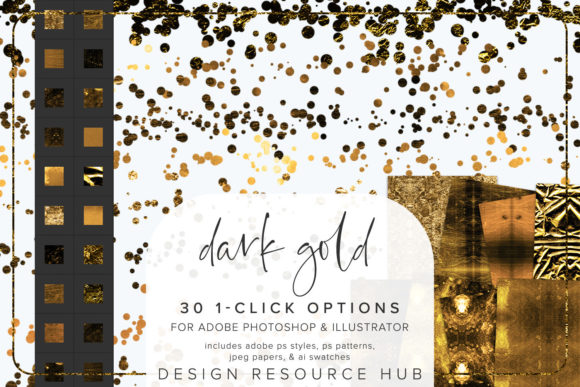
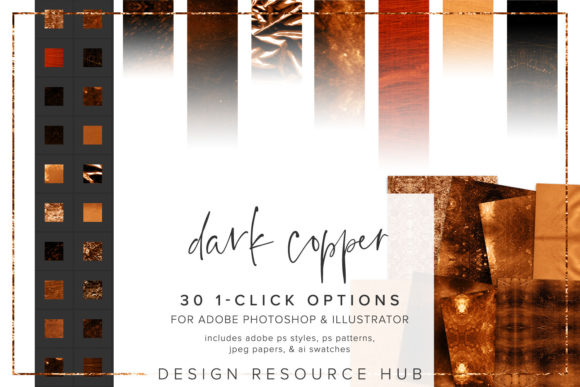
- JPEG Paper Files: Sized at 10 x 10 inches, these high-resolution JPEGs serve as standalone textures. They can be used as backgrounds, clipped into masks, or blended with other elements for a more hands-on approach to texturing.
This comprehensive inclusion means that whether you are a pixel-perfect photographer or a vector-focused illustrator, the tools are ready to integrate into your existing library without the need for conversion or third-party plugins.
Streamlining Installation and Workflow
A major barrier to adopting new digital assets is the perceived difficulty of installation. Fortunately, the Orange Wildflower Photoshop Styles are designed to be completely seamless. The installation process is straightforward and requires only a few clicks, ensuring that you can start creating almost immediately after download.
To install the styles in Photoshop, navigate to the Styles panel, select the menu option for "Import Styles," and locate the .asl file. Once loaded, the styles will appear in your panel, ready for immediate application. Similarly, the patterns can be imported via the Patterns panel using the .pat file. For Illustrator users, the process involves opening the Swatch Library, selecting "Other Library," and loading the .ai file. This standardization follows Adobe’s native protocols, meaning there is no steep learning curve involved.
Once installed, the true power of these styles emerges in combination with other tools. For instance, combining the Orange Wildflower styles with custom brushes can create unique, hand-painted effects. You might apply the style to a shape and then use a textured brush to erase parts of it, revealing underlying layers and creating a distressed, vintage look. This hybrid approach allows for infinite variation, ensuring that no two projects look exactly alike.
Practical Considerations for Modern Designers
When choosing digital assets, designers often consider factors such as resolution, color accuracy, and file size. The Orange Wildflower Photoshop Styles address these concerns by providing high-quality, scalable resources. The seamless nature of the patterns means they can be tiled indefinitely without visible joints, which is crucial for large-format printing or web backgrounds.
Moreover, the color palette is carefully curated to be both trendy and timeless. Earthy oranges and floral motifs have seen a resurgence in branding, particularly in industries such as wellness, organic food, artisanal crafts, and sustainable fashion. By incorporating these styles, designers can align their work with current market trends while maintaining a distinct visual identity.
It is also worth noting that these styles are non-destructive. Since they are applied as layer effects in Photoshop, you can edit, adjust, or remove them at any time without altering the original shape or text. This flexibility encourages experimentation, allowing designers to try bold combinations without the fear of ruining their base work.
Enhancing Creative Projects with Organic Aesthetics
In an era where digital design can sometimes feel sterile or overly polished, adding organic elements helps humanize a brand. The Orange Wildflower Photoshop Styles introduce imperfections and textures that mimic the natural world. This tactile quality invites viewers to engage more deeply with the design, evoking sensory responses associated with nature and craftsmanship.
For example, a wedding invitation suite can benefit from the soft, romantic hues of the wildflower patterns, while a coffee shop’s menu might use the warmer, roasted tones to convey comfort and richness. The key is to match the intensity of the style with the message of the design. Subtle applications work well for corporate communications, while bolder uses can make a statement for event promotions or artistic portfolios.
Ultimately, the value of the Orange Wildflower Photoshop Styles extends beyond mere convenience. They represent a toolkit for storytelling, enabling designers to convey mood and atmosphere through texture and color. By integrating these assets into your workflow, you not only save time but also expand your creative vocabulary, allowing you to produce work that is both efficient and emotionally resonant.
Whether you are a seasoned professional looking to streamline your process or a beginner eager to explore the possibilities of digital texturing, this set offers a reliable and inspiring foundation. With easy installation, versatile application, and a beautiful aesthetic, the Orange Wildflower Photoshop Styles are a worthy addition to any designer’s digital arsenal.